Know what to do today
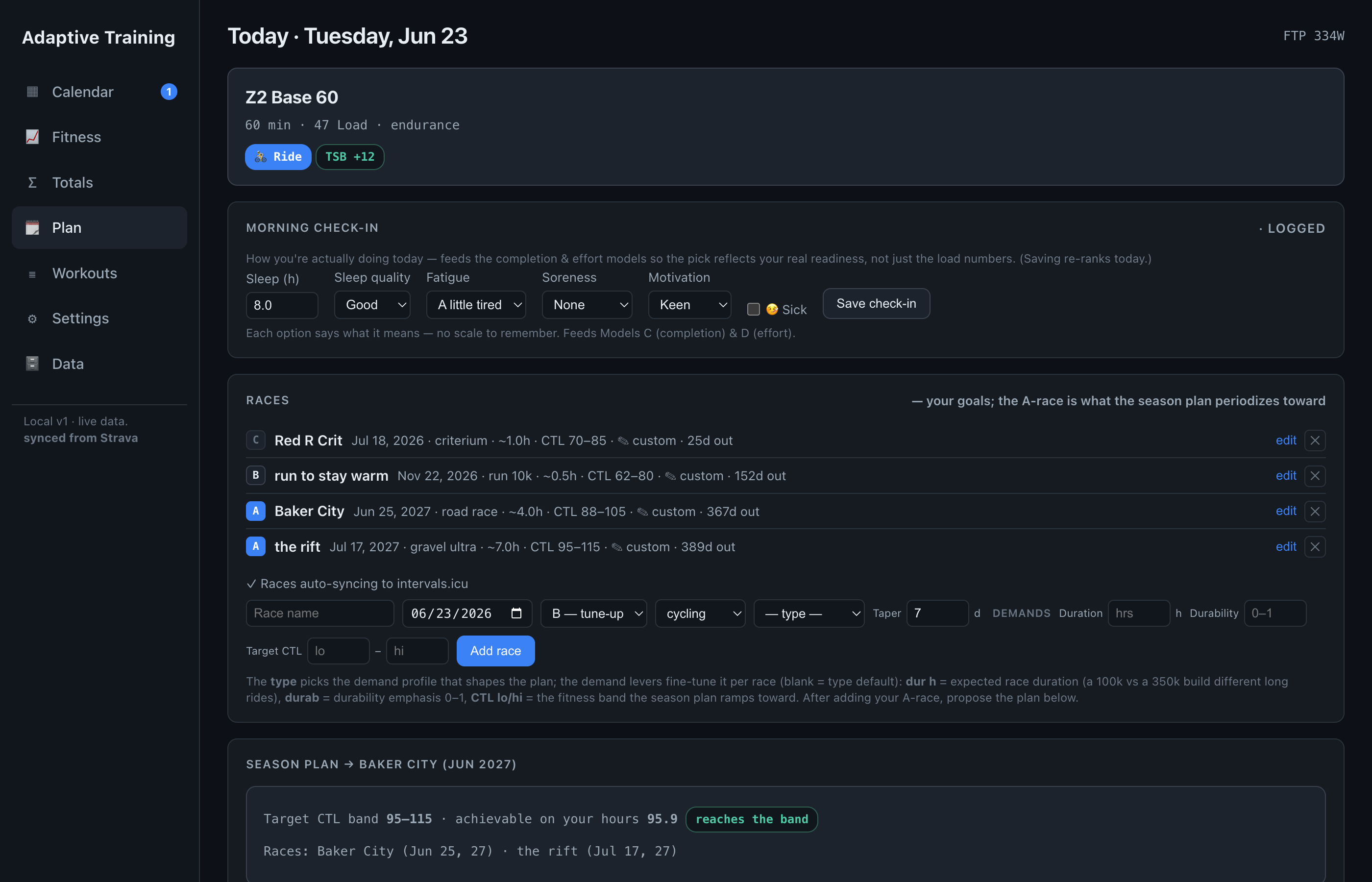
Open Adaptive Training and today's session is already chosen — matched to your fitness, your fatigue, and what's on your calendar. Take it, swap it for an alternate, or log what you actually did.
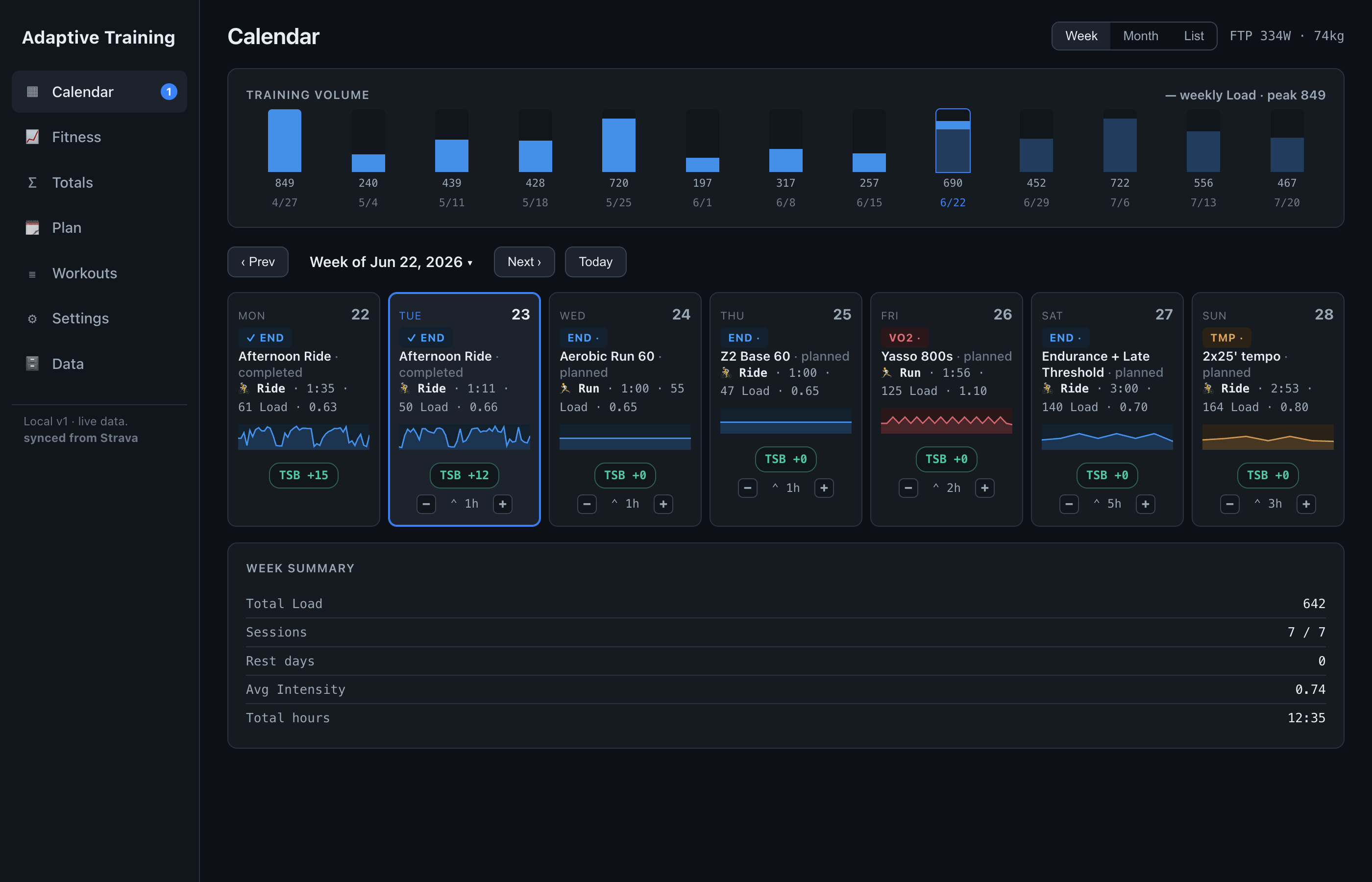
Everything Adaptive Training does, in the order you'll use it — and you can click through all of it right now in the live demo.
Connect Strava or drop in a FIT, GPX, or TCX file. Adaptive Training reads your history and builds your fitness, power curve, and form as it goes — no setup, no spreadsheets. A long history keeps filling in for a few minutes in the background.
Open Adaptive Training and today's session is already chosen — matched to your fitness, your fatigue, and what's on your calendar. Take it, swap it for an alternate, or log what you actually did.
One chart, the whole story: fitness rising, fatigue under control, form peaking right into your event. Overlay your wellness — sleep, fatigue, soreness, motivation — and the picture sharpens.
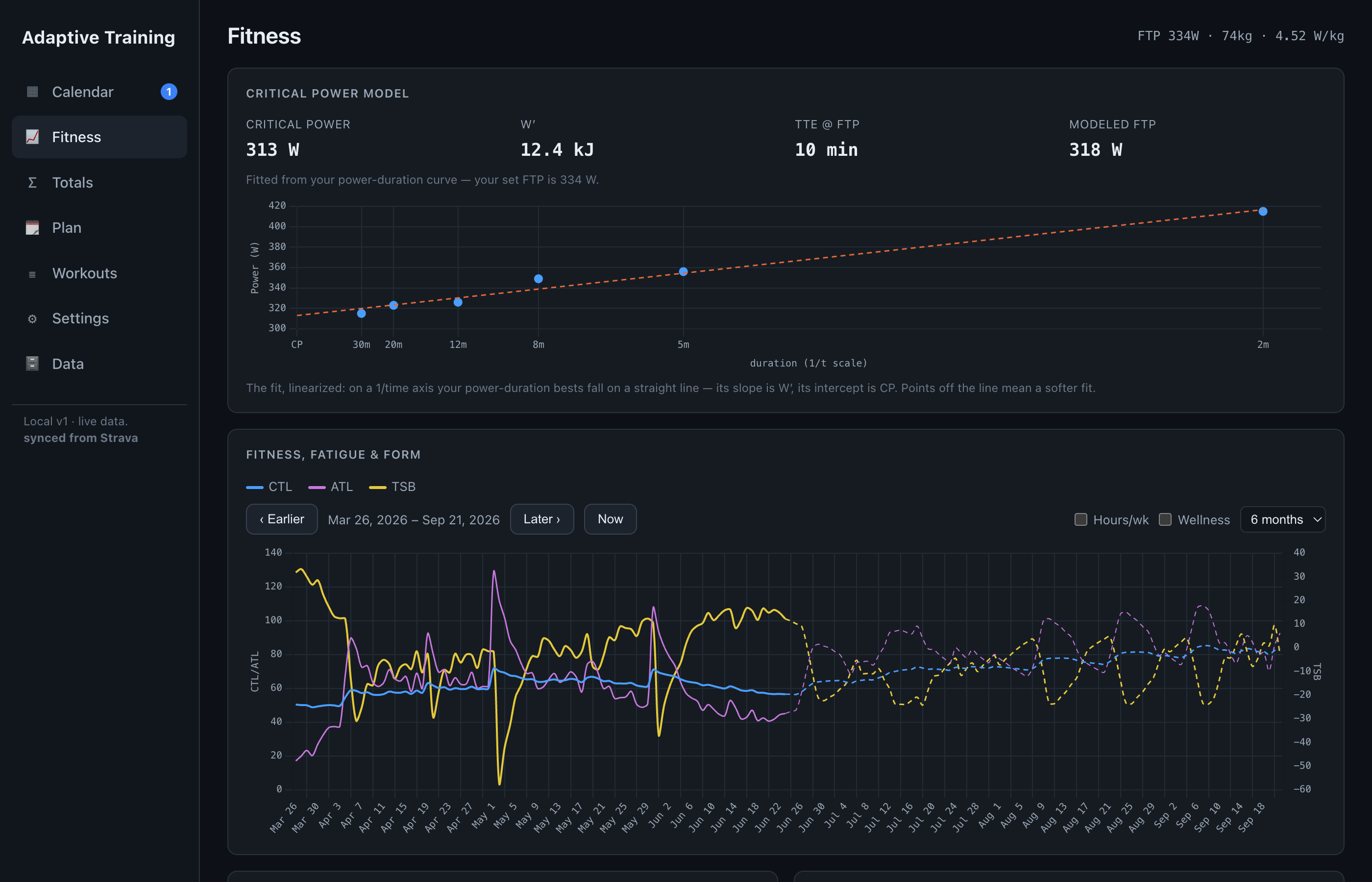
Your full power-duration curve, Critical Power and W′, and a W′bal trace that shows the anaerobic battery drain and recharge through every ride. Plus durability — the power you hold deep into a long day, the number most tools never show you.
Open any ride for the full picture: power, heart-rate, and cadence streams under an interactive route map, with the W′bal trace showing the anaerobic battery drain beneath. Carve the structure yourself — create and delete laps, undo and redo, hover any split for its numbers or read them all in a table.
Set your goal event. Adaptive Training estimates what it will demand, measures it against your current form, and shows the gaps still standing between you and the start line — then shapes the plan to close them. Put every race on the calendar — your A race anchors the plan, setting the fitness target and the taper, while B and C races take over their own day instead of a session.
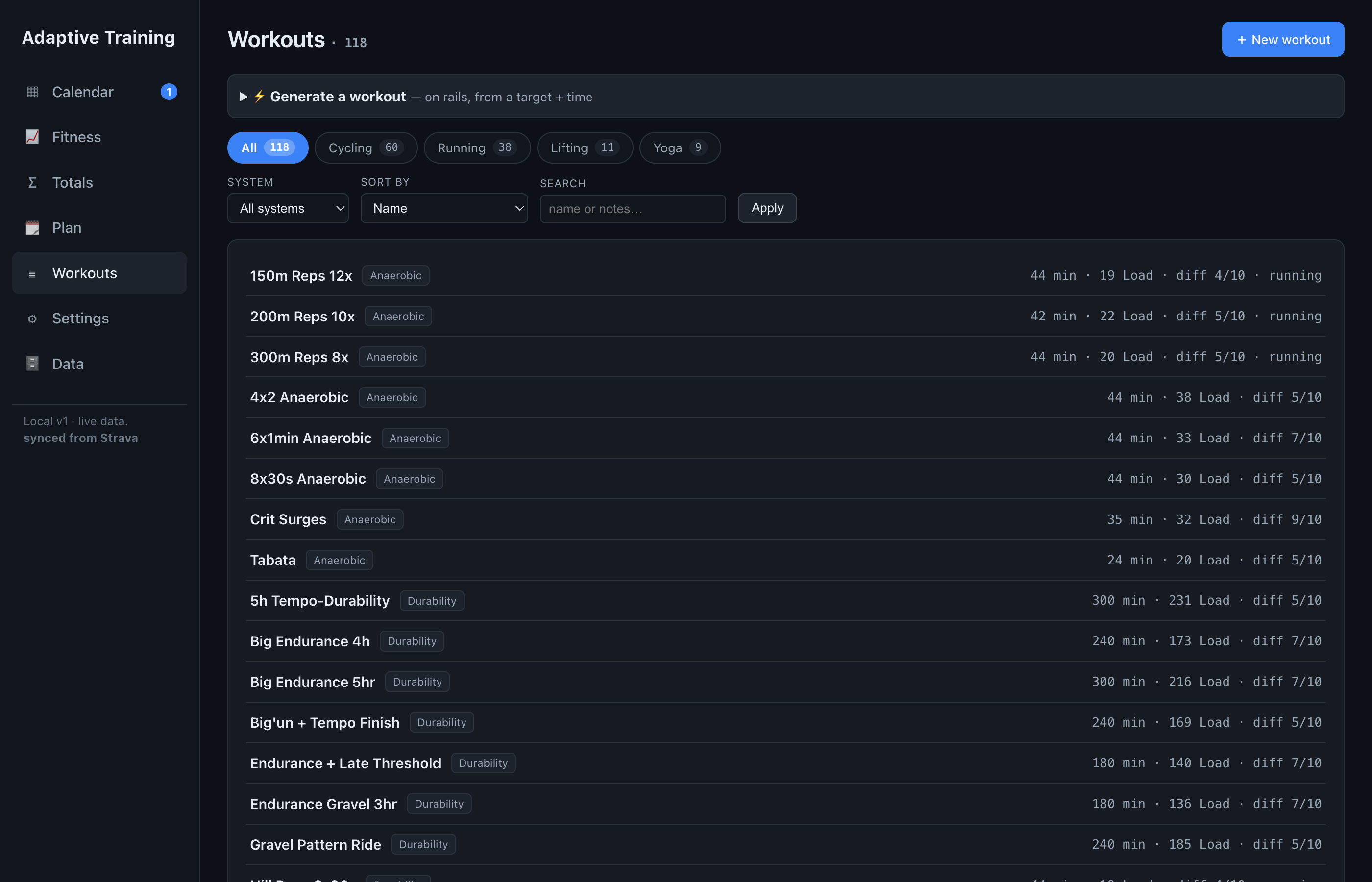
Build a session or pull one from the library, then send it straight to Zwift, Garmin, Wahoo, or
TrainerRoad as .zwo, .erg, .mrc, or .fit. The
day's plan, on your head unit.
Connect intervals.icu and Adaptive Training keeps your calendar in step — every planned session and race pushed across automatically, so the plan reaches your Garmin, Wahoo, or Zwift (yes, even Zwift on the Apple TV) the way a single exported file never could. Switch it on once; it reconciles after every Strava sync, so what you see in Adaptive Training is what's on your head unit.
Coaches and self-coached riders can shape the plan's envelope — how many hard days a week, how aggressively fitness builds, how much fatigue to carry — from an Advanced panel in Settings. Every control is bounded and starts at the engine's own default, so you set the guardrails without overriding the intelligence that fills them in.
Everything lives in a single file on your machine. Query it with built-in SQL, export it any time, back it up like anything else. No account, no lock-in.